Masjid TV screen
Turn the TV in your masjid into a prayer times screen
Why it matters
A TV on the wall, showing nothing useful
Plenty of masjids already have a TV in the hall. It shows a slideshow from a USB stick that nobody updates, or it stays switched off.
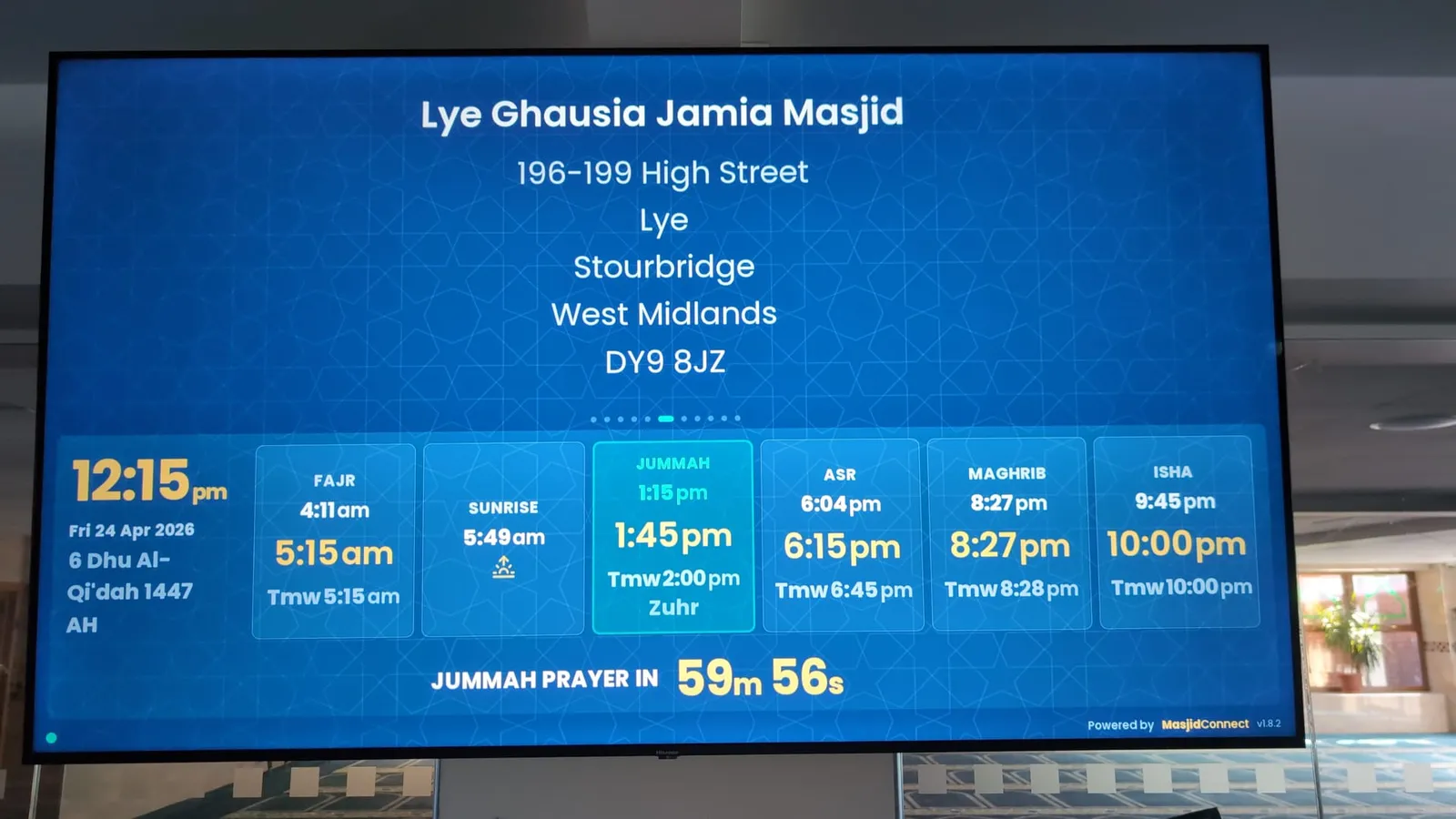
With MasjidConnect the same TV shows today's times, a countdown to the next jamaat and your notices, and you change them from your phone.
Three ways to run the screen
MasjidConnect TV. If you have a Fire TV Stick or an Android TV box, install MasjidConnect TV on it and pair the screen with a QR code. The guide Put up your first screen goes through each step.
A web browser. A smart TV's own web browser, or a computer plugged into the TV, can open display.masjidconnect.co.uk and pair the same way. It is the quickest way to try it.
The Display Unit. A small computer, set up for MasjidConnect, that plugs into the TV's HDMI port. It keeps your times and slides on the device, so it keeps showing the right jamaat if the Wi-Fi drops, and it starts again by itself after a power cut. It costs £189.
Screens work in landscape or portrait. The Free plan includes one screen, and the Masjid licence (£499 once) covers up to 10.
What the TV shows
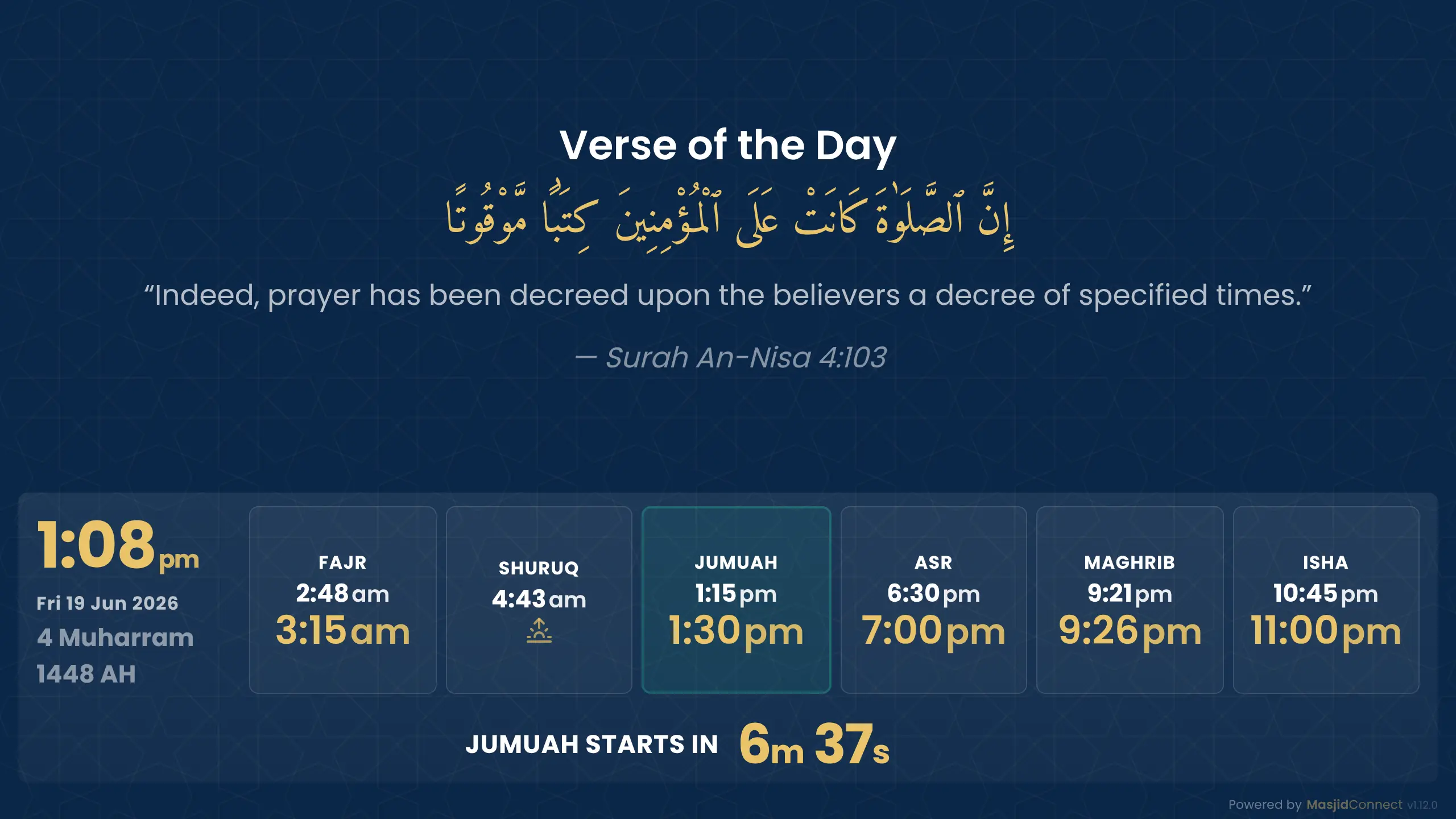
A real MasjidConnect screen in landscape. Portrait layouts suit narrow walls and pillars.
- 01
Today's times
Start and jamaat times, with the next jamaat picked out and a countdown.
- 02
Your notices
Posters, events and appeals between prayers.
- 03
Your look
Choose a layout and colours, and add your logo with a licence.
- 04
Runs itself
Jamaat changes, Jumu'ah and the clock change happen on screen without anyone touching it.
From a masjid that uses it
Having tried several masjid display platforms over the years, MasjidConnect stands out for its flexibility, customisation, ease of use and excellent support.
“What I value most is the team’s willingness to listen to feedback and continually improve the platform. They genuinely take suggestions on board and are committed to developing a solution that better serves the masjids and communities they support.”
Masjid TV screen questions
Can I use our existing TV as a masjid screen?
Yes. Any TV with an HDMI port works with our Display Unit or a computer, and a smart TV can use its own web browser. You pair it by scanning a QR code with your phone.
Does MasjidConnect TV work on a Fire TV Stick?
Yes. Install MasjidConnect TV on the Fire TV Stick and pair it with a QR code. The guide Put up your first screen shows each step.
What size TV should a masjid use?
It depends on the room. People should be able to read the jamaat times from the back of the hall, so larger rooms need a larger screen or more than one. We can help you choose before you buy.
Will the screen keep working without Wi-Fi?
On the Display Unit, yes. It keeps your times and slides on the device and catches up when the connection comes back, which makes it the safest choice for the main hall.
How much does a masjid TV screen cost?
The software is free for one screen, and £499 once for up to 10. The Display Unit is £189 if you want one. If you already have a TV and a Fire TV Stick, install MasjidConnect TV and you can start without buying anything.
Try it on the TV you have
Start free. For the first 30 days you get everything in the Masjid licence. No card needed.
No monthly fees, ever